
Visual table planner
Arrange tables the way your reception room will actually feel.
Wedding seating chart maker
Move from guest list to table plan with a visual wedding seating chart that makes every assignment feel clear and considered.
Free to start · No credit card required

Plan together
Every detail, in one place
One calm place for every wedding detail
WebsitesRSVPsGuestsPlanningMade for modern couples
QuickWeds gives your wedding seating chart a thoughtful place beside the rest of your wedding plans.
Arrange tables the way your reception room will actually feel.
Move guests from your list to a seat without losing the bigger picture.
Help guests find their table quickly with a simple arrival experience.
Try the seating planner
Drag a guest between tables in this live preview, then see how the room starts to take shape.
Reception layout
2 seats filled
2 seats filled
Drag a guest card between tables, or tap a name to move it.
A closer look
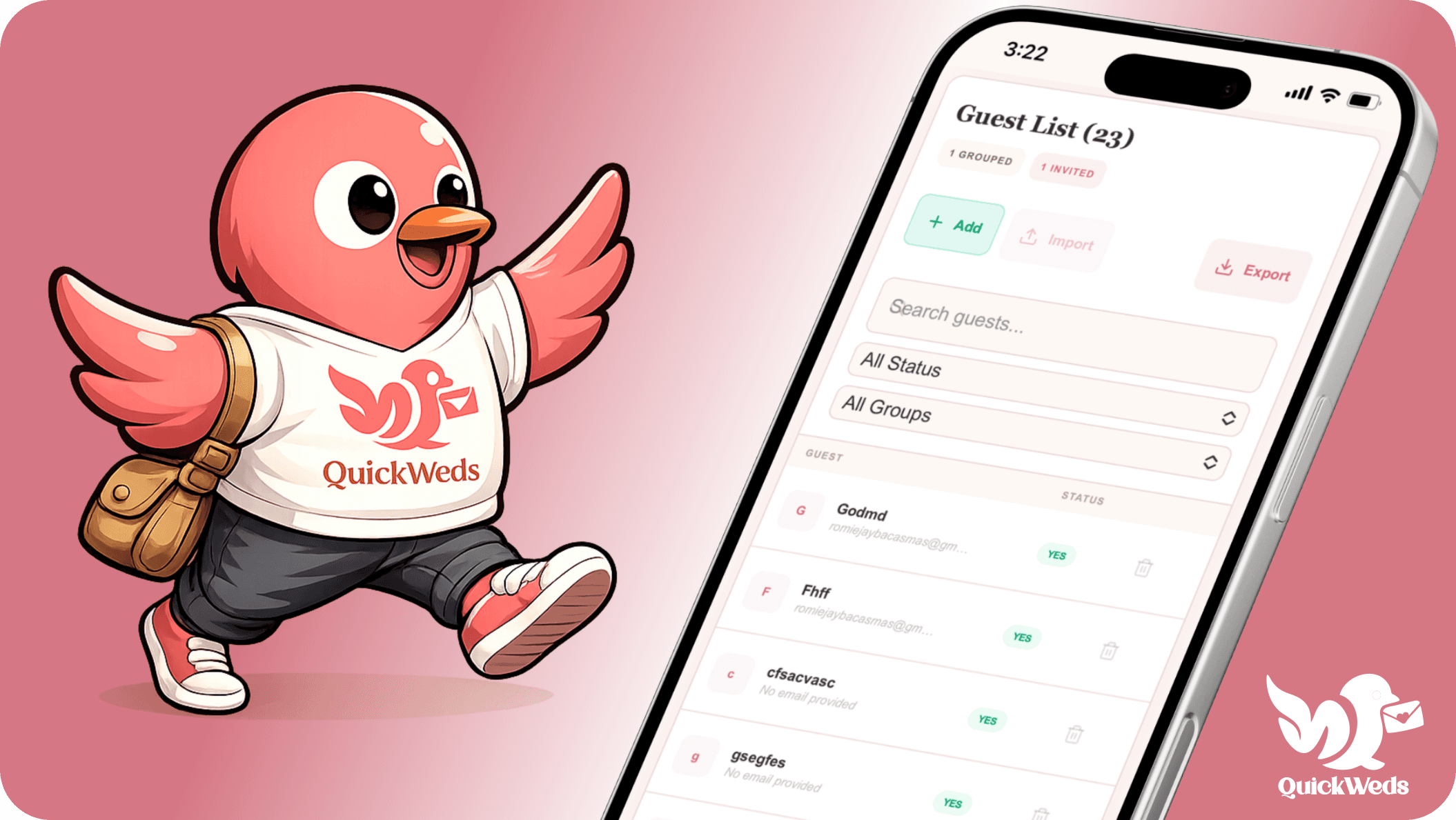
A thoughtful, mobile-ready view keeps your seating chart useful when you are planning at home, with a vendor, or on the move.
Built into the full plan
Your seating chart works alongside the details that make a wedding feel seamless—from your first save-the-date to the final thank-you.
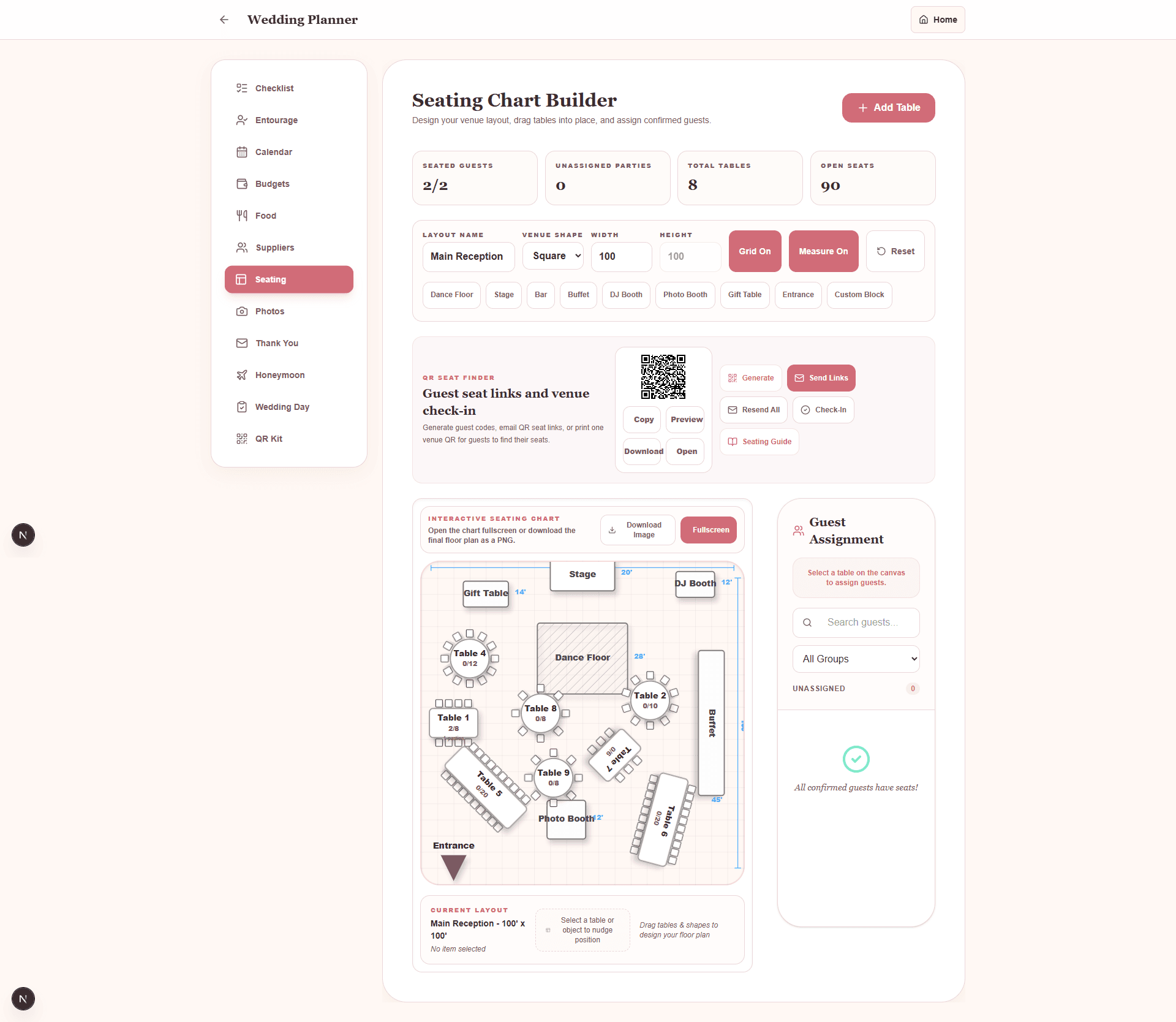
Live QuickWeds screen
See every seat at a glance
How it works
Start in a few minutes, then let the details come together at your pace.
Start with your RSVP list and confirmed guests.
Set up the layout that works for your venue and guest count.
Move guests, review balance, and share the final plan.
Loved by couples
Planning can be a lot. The right system makes space for the part you actually want to remember.
“Everything finally lived in one place—and it actually felt like us.”
“We stopped tracking details across chats, notes, and spreadsheets.”
“It made the guest experience feel thoughtful before the day even arrived.”
Questions, answered
Clear tools, no confusing setup, and plenty of room to make your plans your own.
Yes. QuickWeds helps couples organize guests and create a visual seating plan for their wedding reception.
Yes. The seating planner is designed for flexible assignments as RSVPs and table ideas change.
QuickWeds includes QR-friendly seat-finder tools to make arrival smoother for guests and hosts.
Complete your wedding planning
Explore the rest of the QuickWeds planning suite, then come back to the tool that moves your next decision forward.
Your wedding, beautifully organized
Create your free QuickWeds account and bring every meaningful detail into one beautiful place.