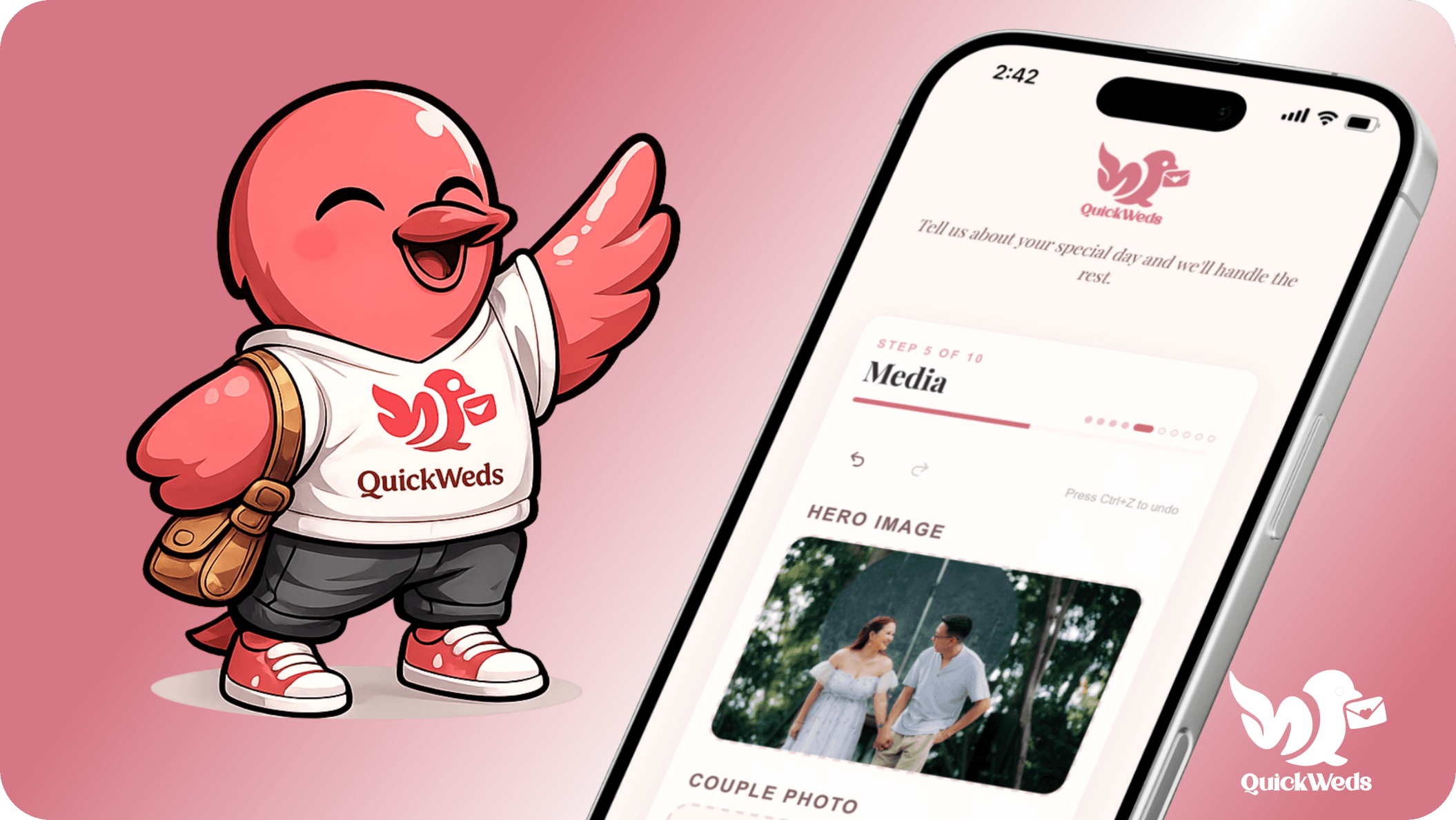
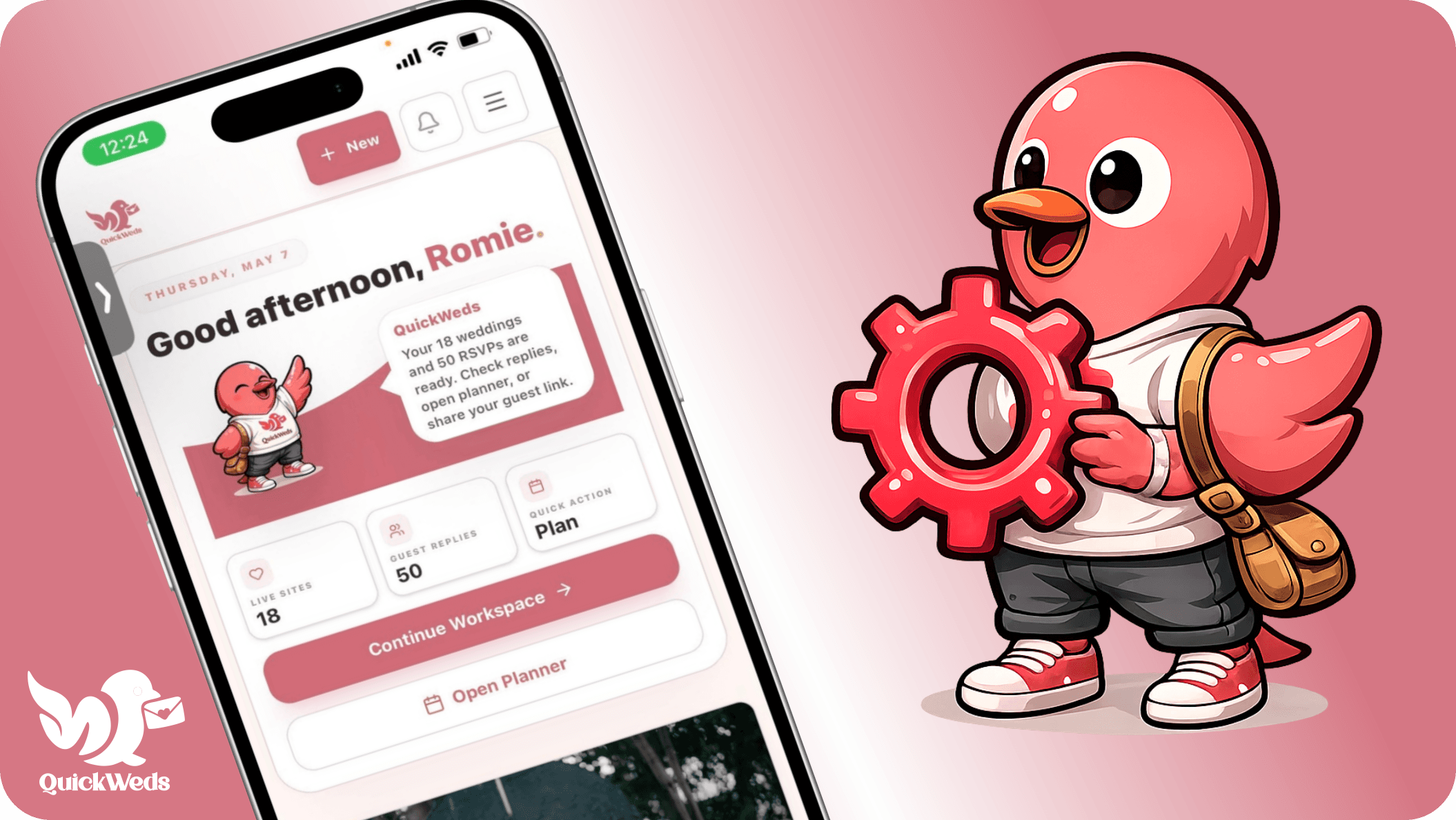
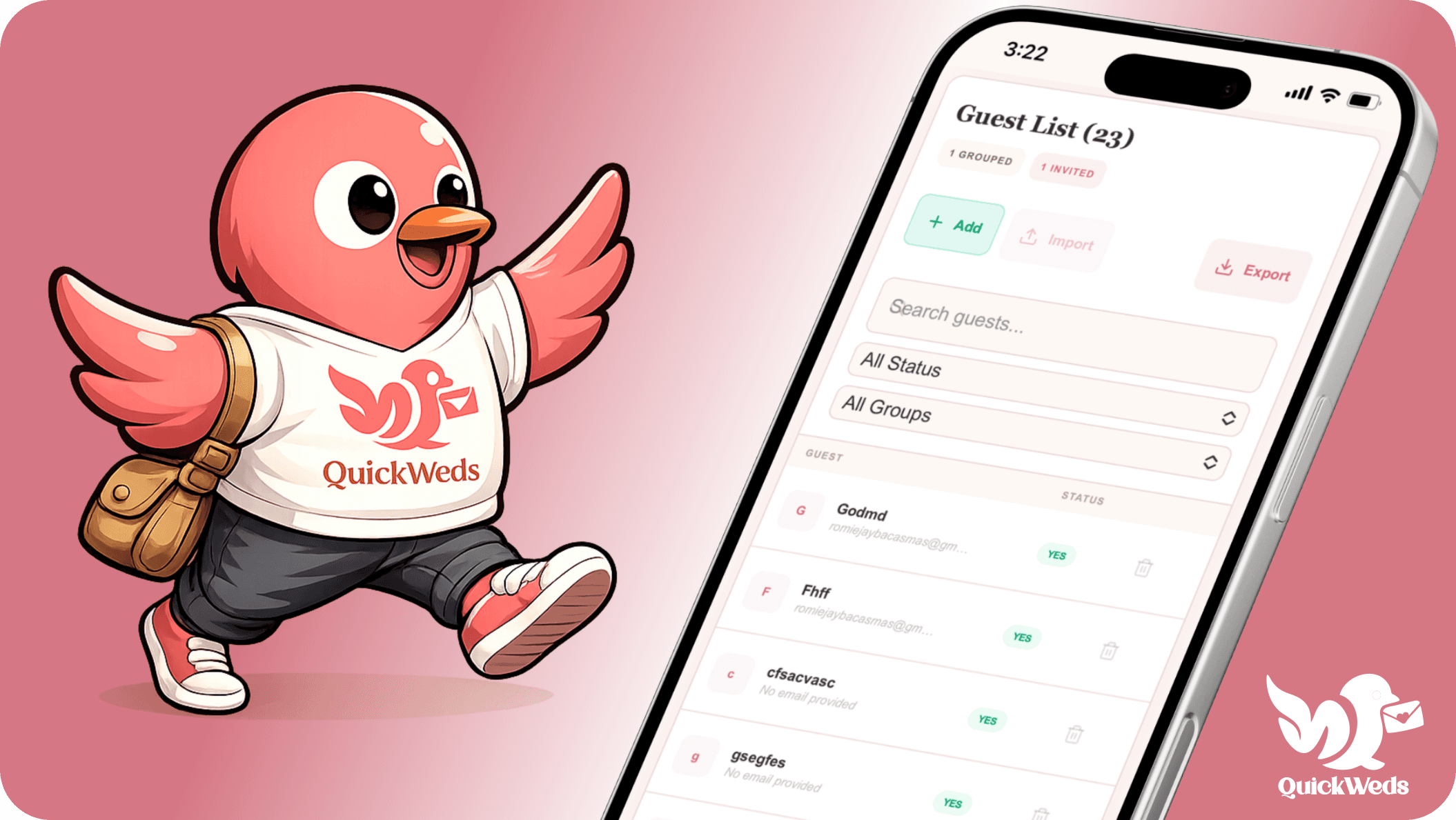
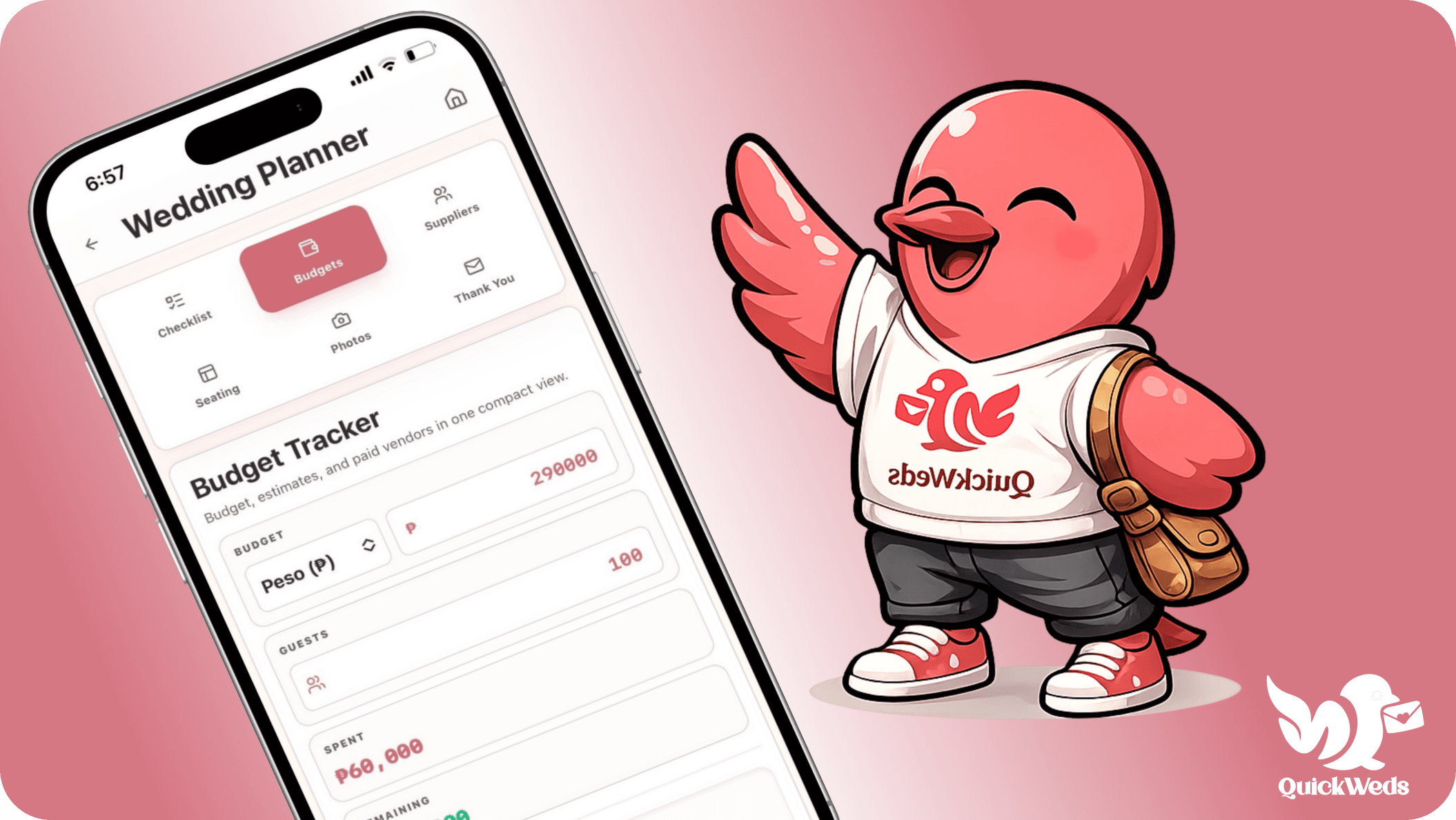
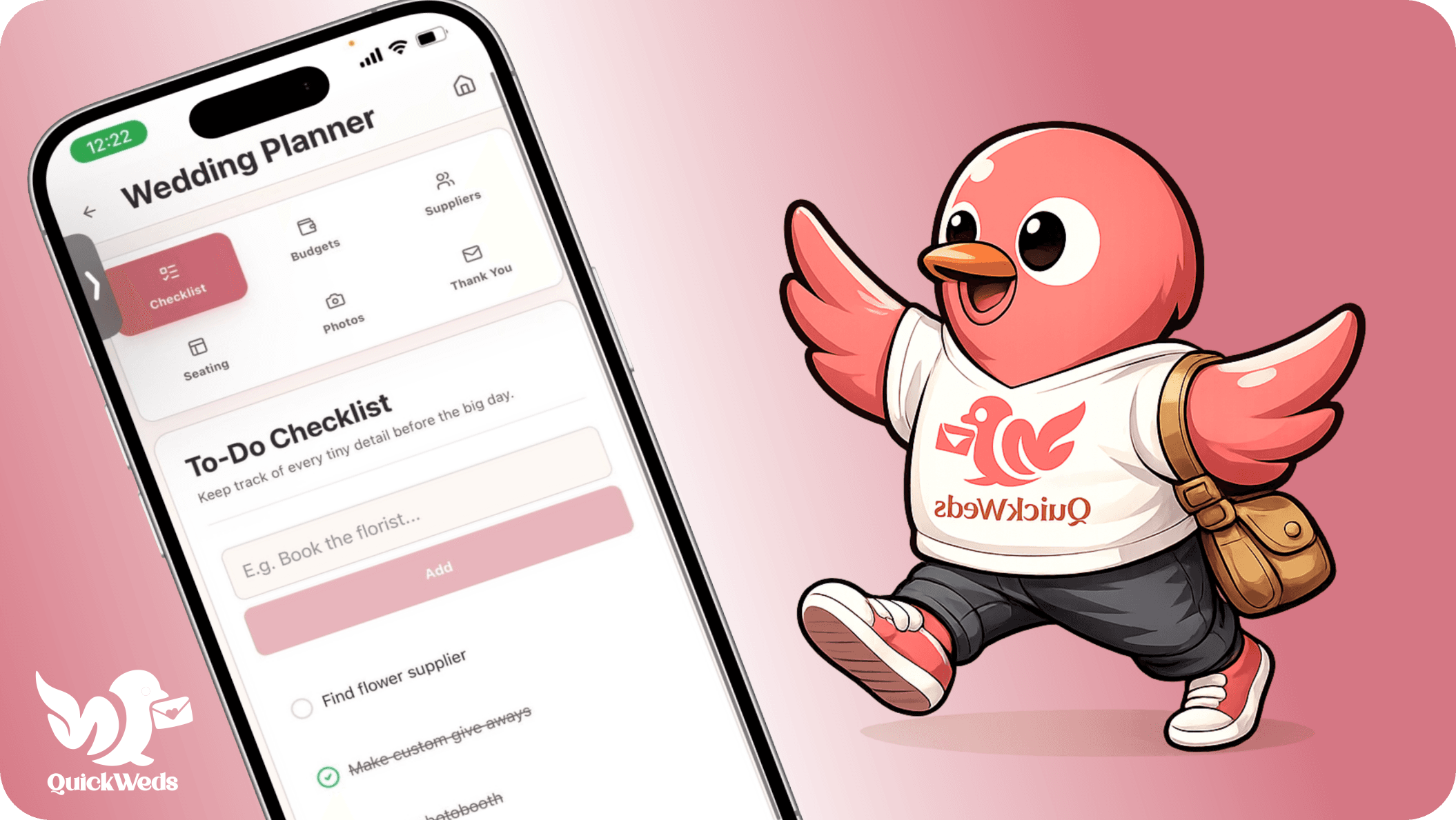
Plan, organize, and manage every important part of your wedding in one seamless platform.
Automated RSVP Emails
All in One Dashboard
Smart Seating Planner
New in QuickWeds
More ways to keep the real plan organized.
Recent tools help couples move beyond the wedding website into entourage coordination, presets, analytics, guest photos, event-day QR workflows, and post-wedding follow-up.
01
Entourage Proposals
Invite sponsors, wedding party, and special helpers by email, then track who accepted or declined from Planner.
Proposal emails + response tracking
02
Theme Marketplace
Apply curated looks, reusable section blocks, and saved presets so your website can be polished faster.
Presets + content blocks
03
Guest Photo Portal
Collect guest uploads with QR-friendly sharing codes, moderation, filters, and disposable-camera reveal settings.
Codes, approval, reveal date
04
QR Seat Finder
Generate guest codes, email seat links, print one venue QR, and check guests in at the reception.
Venue QR + check-in
05
Wedding Day Mode
Keep event-day toggles, QR links, photo reminders, coordinator notes, seating, and check-in tools ready for staff.
Event-day command center
06
Planner Pro Workspace
Coordinate calendar sync, food and drink notes, honeymoon plans, thank-you notes, budgets, vendors, tasks, and seating.
One calm planning dashboard
07
Thank-You Builder
Create post-wedding thank-you emails and card-style messages with templates, photos, guest context, and sending logs.
Post-wedding follow-up
08
Analytics & Reminders
See visits, QR scans, RSVP conversion, reminder performance, and follow up with pending guests from the dashboard.
Start with your website and RSVP flow, then unlock the full planning workspace when you need it.
Supplier directory
Find or list trusted wedding suppliers.
Couples can browse Philippines-focused venues, photographers, coordinators, caterers, stylists, and more. Wedding businesses can create a profile, submit it for review, and reach couples already planning in QuickWeds.
Here are the answers couples usually need before creating their QuickWeds site.
Is QuickWeds only a wedding website builder?
No. You can build and publish a free wedding website with RSVP tracking, QR sharing, a basic guest list, 50 guest emails, and Planner Lite. Planner Pro is the one-time upgrade for full planner tools, QR seating, Wedding Day Mode, collaborators, reminders, photo tools, exports, thank-you tools, and custom domains.
Can guests RSVP from their phones?
Yes. Your wedding website and RSVP flow are mobile-friendly, so guests can view details and respond from iPhone, Android, tablets, or desktop.
Will I get notifications when someone RSVPs?
Yes. Automatic RSVP confirmations and host notifications stay free and do not count toward your 50 guest email allowance. User-triggered sends like RSVP reminders, seat emails, and thank-you emails count toward that allowance.
Can my partner or planner help manage the wedding?
Yes. Free workspaces include 1 partner collaborator. Planner Pro unlocks coordinators and more helpers for managing budgets, vendors, tasks, seating, reminders, guest photos, and post-wedding details.
Do I need technical skills to launch my site?
No. Choose a design, add your details and photos, then share your wedding link. QuickWeds handles the polished layout and mobile experience for you.
Can I start free?
Yes. All templates, the builder, your wedding website, RSVP tools, QR sharing, basic guest tracking, 50 guest emails, and Planner Lite are free. Planner Lite includes starter limits for checklist, budget, supplier, calendar, food, honeymoon, seating, and partner collaboration. Planner Pro unlocks unlimited planning, unlimited guest emails, QR seating, reminders, collaborators, exports, photo tools, and thank-you tools.
Can wedding suppliers join QuickWeds?
Yes. Wedding businesses can create a supplier profile, submit it for review, and appear in the public supplier directory once approved. Couples can browse suppliers and save directory listings into their planner.